Smart Deals Picks
OBD2 and GPS Car HUD Speedometer with Alarms
OBD2 and GPS Car HUD Speedometer with Alarms
Couldn't load pickup availability
Flat $4.95 shipping, free over $50
Flat $4.95 shipping, free over $50
Every order ships for a flat $4.95. Spend $50 or more and shipping is free. Shipping is calculated at checkout before you pay.
Delivered in 5 to 14 business days
Delivered in 5 to 14 business days
We pack in 1 to 3 business days. Transit takes another 4 to 11. Business days are Monday to Friday, excluding US public holidays.
30-day returns, sale items included
30-day returns, sale items included
Thirty days from delivery to ask for a return. Sale items count, and there is no restocking fee. Read the full Refund and Return Policy.
Keep speed, RPM, and engine data in view while your eyes stay on the road.
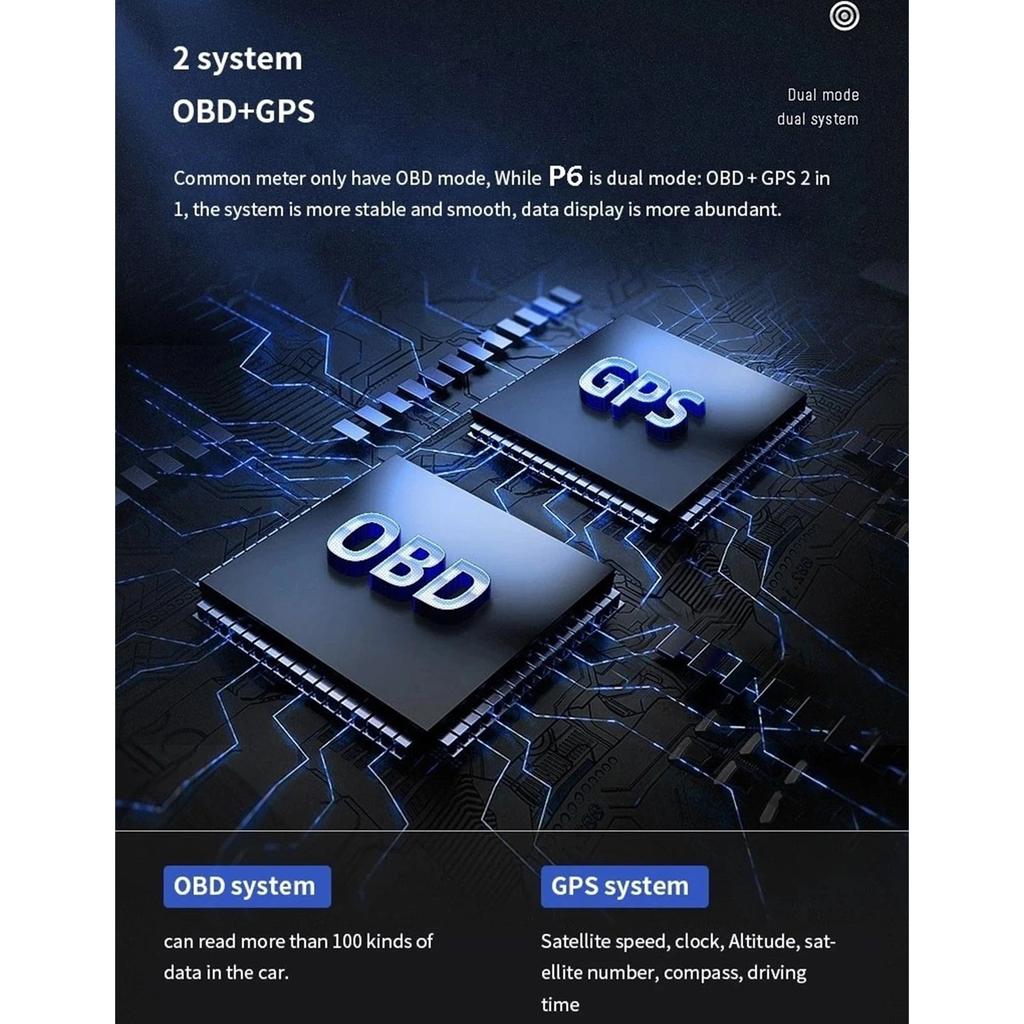
This head-up display works in both OBD2 and GPS modes to show driving data on a clear 3-inch screen. In OBD2 mode it plugs into your vehicle's diagnostic port and reads live data such as speed, RPM, coolant or oil temperature, voltage, fuel consumption, simple mileage, driving time, air-fuel ratio, turbo pressure, and acceleration and brake tests. In GPS mode it shows speed, voltage, driving time, altitude, satellite count, direction, and simple mileage, so it still works on vehicles that are not OBD2-compatible. Both sets of data can appear on the same screen.
Why we picked it
- Data in your sightline - Projects speed, RPM, and engine info within your natural field of view.
- Two modes, wide fit - OBD2 and GPS modes cover a broad range of cars and trucks.
- Alerts you set - Custom speed and RPM thresholds trigger visual and audible warnings.
Good to know
The color-changing LED shows blue for normal driving and flashing red for alarms. You can switch units between miles and kilometers and between PSI, Bar, and 100KPA, show the time in the lower right, customize small icons, and pick from nine display modes. To install, connect the OBD cable to the diagnostic port, power on, let it self-test, then fix it in place with the included double-sided tape or suction cup bracket. In the box: host, OBD line, USB cable, small crowbar, manual, double-sided tape, suction cup bracket, and screwdriver.
Common questions
Q: Will it work with my vehicle?
A: OBD2 mode generally fits many European vehicles from 2005 on and many others from around 2008 on. If yours is not OBD2-compatible, GPS mode still works. Confirm OBD2 support if you are unsure.
Q: Do I need professional installation?
A: No. It is usually plug-and-play: find the OBD2 port, connect the cable, power on, and mount the display with the tape or bracket. Follow the manual for details.
Q: Can I choose what is shown?
A: Yes. Pick from multiple display modes, customize small icons, and choose which data to prioritize.
Q: Does it support miles and kilometers?
A: Yes, for speed and distance, plus PSI, Bar, and 100KPA for pressure.