Smart Deals Picks
150W 20A Electronic Load Tester for Batteries, DC & USB
150W 20A Electronic Load Tester for Batteries, DC & USB
Couldn't load pickup availability
Clear, repeatable readings for batteries, DC supplies and USB gear.
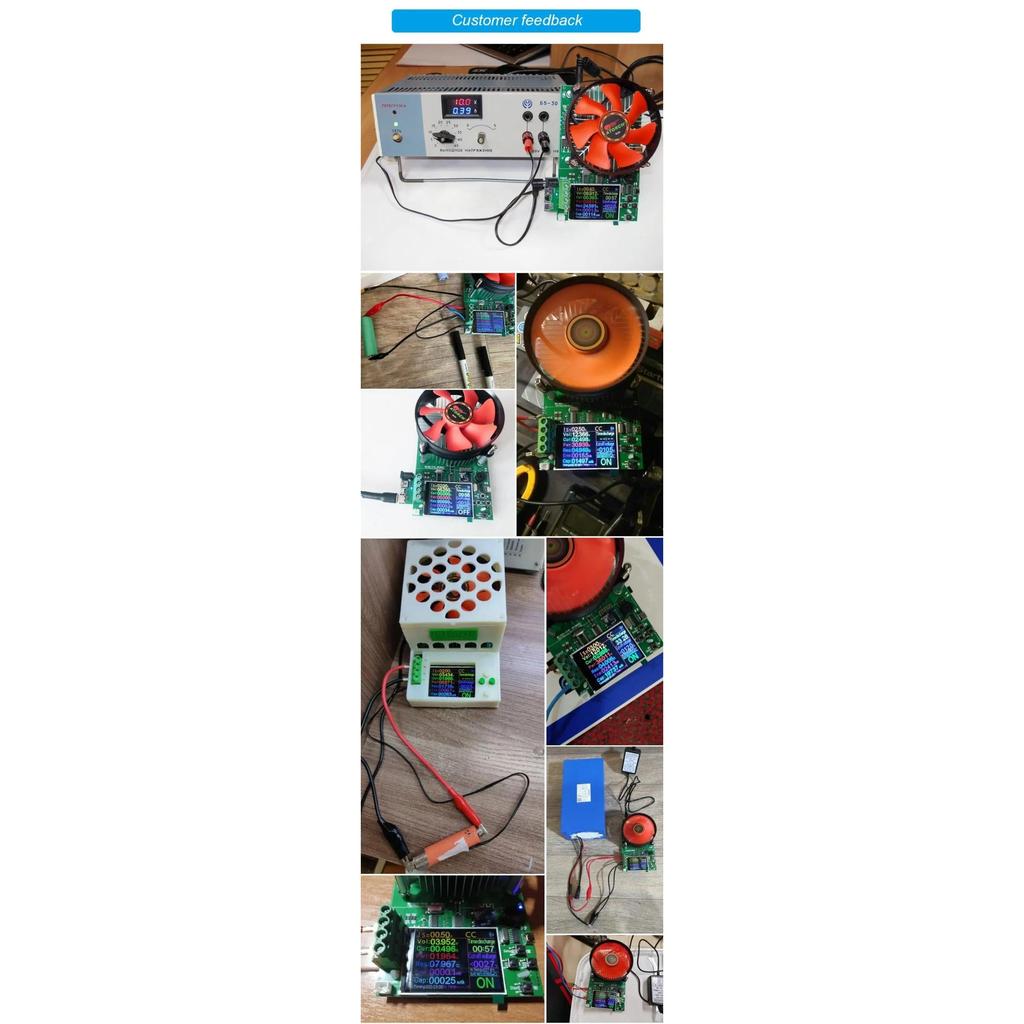
This 4-wire electronic load tester delivers a stable, controllable load up to 150W and 20A. The Kelvin connection helps cut lead resistance error for more reliable voltage and capacity readings. It handles test voltages from 2-200V DC and suits lithium battery packs, DC power adapters, bench supplies and USB outputs. A built-in lithium discharge monitor tracks real capacity during controlled discharge, so you can gauge battery health over time.
Why we picked it
- 4-wire accuracy - reduces lead resistance error for cleaner readings.
- Four load modes - constant current, resistance, power and voltage cover many test scenarios.
- PC and app logging - view live curves and log data to spot instability, voltage drop or capacity loss.
Good to know
Power limits step by voltage: up to 150W below 36V, 60W between 36-80V and 45W between 80-200V. Built-in overload, overcurrent and over-temperature protection help guard both the tester and connected gear. A color display shows key data. It connects over Bluetooth and PC cable to dedicated software (Windows 7/10+ and Android 5.0+; iOS via the E_test app), using _BLE for mobile and _SPP for PC, with pairing passwords "0000" or "1234" where needed. The included DC12V 1A power supply is US standard with a US-to-EU adapter; other regions may need a local 12V 1A adapter. The box includes the DL24 tester, DC12V 1A supply, PC cable, temperature probe, red/black crocodile clip leads and a US-to-EU adapter.
Common questions
Q: What are the safe voltage and power ranges?
A: 2-200V DC, with up to 150W below 36V, 60W between 36-80V and 45W between 80-200V.
Q: Which modes are available?
A: Constant current (CC), constant resistance (CR), constant power (CP) and constant voltage (CV).
Q: What software is supported?
A: Windows 7 and 10 or later, Android 5.0 or above, and iOS via the E_test app.
Q: How do I connect over Bluetooth?
A: In the app, pick the name ending in _BLE on mobile or _SPP on PC. Connect from within the app rather than the system Bluetooth menu.
Share